


Your phone connects to roaming as soon as you land in Sydney. Charges can start before you even leave the airport. A day's Indian roaming can cost more than an Australian SIM with 28 days of validity. Many travellers realise this only when they check their bill.
Getting a local connection is usually cheaper. Australian prepaid SIMs and eSIMs cost around AUD 10 to 60 for 28 days, with data, calls and texts included. But there are a few things to check first. Your phone must work on the Australian network, and coverage can drop once you leave the cities. It also helps to decide between a SIM, eSIM and roaming plan before you fly.
Sort these out before departure, and you can use maps, book rides and stay in touch without worrying about unexpected roaming charges. Here’s what you need to know.
Key Takeaways
Key Information | Quick Answer |
Best connection | Local prepaid SIM or eSIM is usually cheaper than roaming. |
Cost | AUD 10 to 60 for 28 days. |
Best network | Telstra for regional travel; Optus and Vodafone for city stays. |
Phone compatibility | Check network bands, VoLTE and eSIM support before departure. |
Indian number | Keep your Indian SIM for OTPs and turn off its data roaming. |
Data needs | 5–10GB for light use, 15–30GB for regular use, 40GB+ for heavy use. |
Setup | Install your eSIM before departure or buy a physical SIM on arrival. |
Free Wi-Fi | Available at many airports, hotels and cafes. |
Road trips | Download offline maps and check network coverage. |
Emergencies | Dial 000; carry a satellite communicator for remote routes. |
What Are Your Options for Mobile Connections in Australia?
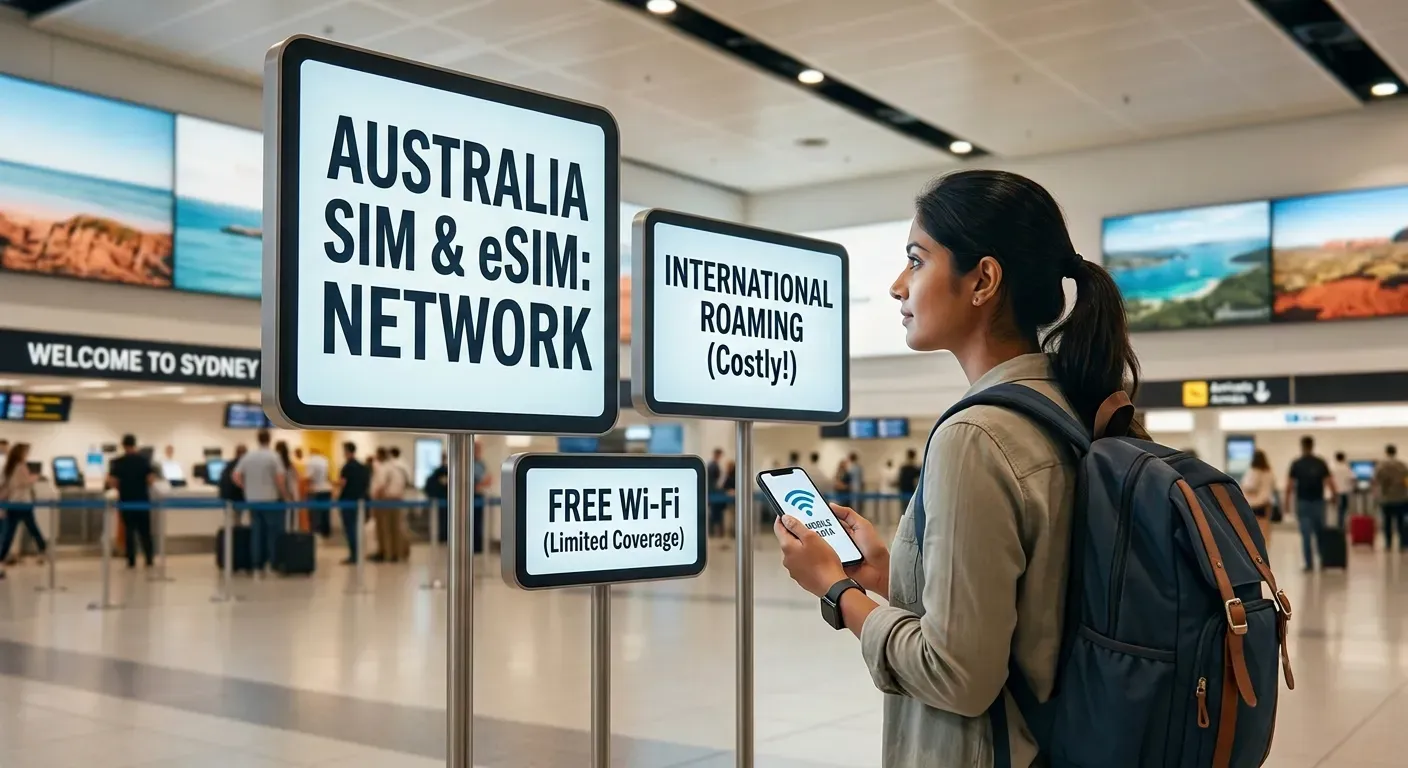 Five options are available. The right one depends on how long you are staying, how much data you need and whether you are leaving the cities.
Option | Typical Cost (28 days) | Data | Coverage | Best For |
International roaming (Indian carrier) | INR 500 to 2,000+ per day | Limited (often 1 to 2GB per day at usable speed) | Depends on roaming partner | Short stays (1 to 3 days) when convenience outweighs cost |
Local physical SIM | AUD 10 to 60 | 5GB to 80GB+ | Coverage depends on the carrier and your location. | Most travellers. Best value and strongest coverage |
Local eSIM (carrier) | AUD 10 to 60 | 5GB to 80GB+ | Full Australian network coverage | Travellers with eSIM-compatible phones who want setup before arrival |
International travel eSIM (Airalo, Holafly, etc.) | USD 5 to 30 | 1GB to 20GB | Varies (typically Optus or Telstra network) | Short stays or as a backup. Usually data-only, no local calls |
Wi-Fi only | Free to AUD 5 per session | Varies | Hotels, airports, cafes only | Backup option. Not reliable enough as the sole connection |
Tribe Travel Tip: Get a local prepaid SIM or eSIM from Telstra, Optus or Vodafone. These offer a good mix of data, network coverage and price. If you plan to drive outside major cities, Telstra is a better option because its network covers more areas.
Which Mobile Networks Are Available in Australia?
Australia has three main mobile networks. Everything else (Boost, Amaysim, Felix, Lebara) runs on one of these three.
Factor | Telstra | Optus | Vodafone |
Coverage strength | Widest coverage. Best outside cities | Strong in cities and main tourist areas. Weaker in remote regions | Similar to Optus in cities. Less coverage on rural routes |
5G availability | Available in selected areas | Available in selected areas (not in NT) | Available in selected areas |
Tourist-friendly plans | Yes. AUD 15 for 7 days and AUD 44 to 74 for 28 days | Yes. Traveller eSIM plans from AUD 44 (28 days). Physical SIM from AUD 30 | Yes. Prepaid plans from AUD 12 (7 days) to AUD 55 (28 days) |
Best for | Road trips, regional travel, travellers leaving the cities | City-based holidays, travellers wanting a travel eSIM option | Short stays, city-based visitors, travellers on a tighter spend |
Is Your Phone Compatible with Australian Networks?
This is the step most travellers skip, and the one that causes the most problems on arrival. Not every phone bought in India will work properly on an Australian network.
- 4G bands: Australian networks use Band 28 (700 MHz) for regional coverage. If your phone lacks this band, you may get a signal in cities but lose coverage on highways.
- VoLTE: Australian carriers use VoLTE for calls over 4G. Your mobile data may work, but calls may fail if your phone isn't supported on the carrier's network.
- Check phone compatibility: Search your exact phone model with “supported bands” or check the carrier's compatibility list. Telstra also publishes a list of approved devices.
- eSIM support: iPhones from XS onwards and many newer Samsung Galaxy, Google Pixel and OnePlus phones support eSIM. Check your exact model before buying a plan.
- Dual SIM: Keep your Indian SIM active for bank OTPs and use an Australian SIM for data and local calls. Check your Indian SIM's roaming settings before departure.
How to Set Up Your Mobile Connection in Australia?
Before departure:
- Before you fly, make sure your phone speaks Australian: Before departure, check for Band 28 support and VoLTE compatibility. Band 28 is especially useful for Telstra coverage in regional areas.
- Then pick your connection. A local SIM, a local eSIM, or a travel eSIM that works across borders each get you online, so choose whichever suits your trip.
- If you go with an eSIM, buy and install the profile while you’re still in India, but hold off on activating it until you land.
- Keeping your Indian number? A dual-SIM phone lets you hold on to it. Set that line to calls and texts only, with data switched off, so roaming charges don’t catch you out.
After landing:
- Buying a physical SIM? Head for the carrier counters at the airport. Telstra, Optus and Vodafone all have them at Sydney, Melbourne and most major airports, or you can pick one up at a city store.
- Next, activate your SIM or eSIM using the carrier’s instructions. Keep your passport handy, as Australian prepaid SIMs need ID verification.
- Once it’s live, set the Australian line as your default for mobile data.
- Finally, a quick test: load a web page and make a short call. If both work, you’re connected.
Keeping your Indian number active:
A dual-SIM phone lets you keep your Indian SIM active for bank OTPs and verification codes. Use the Australian SIM for data and turn off data roaming on your Indian line to avoid extra charges.
How Much Mobile Data Do You Need for Your Australia Holiday?
Usage Level | Typical Activities | Suggested Data (28 days) |
Light | Maps, messaging, occasional social media, email | 5 to 10GB |
Regular | Maps, social media, photo uploads, video calls, some streaming | 15 to 30GB |
Heavy | Regular video streaming, hotspot sharing, frequent large uploads | 40GB+ |
These are guidelines, not fixed rules. Actual use depends on video quality, how much you rely on maps, whether you download content over Wi-Fi and how often you use your phone as a hotspot.
Where Can You Find Wi-Fi in Australia?
- Airports: Major airports offer free Wi-Fi, but usage limits vary.
- Hotels and stays: Most hotels, hostels and Airbnbs include Wi-Fi, though speeds vary. Budget places can be slower.
- Cafes: Many offer free Wi-Fi with a purchase. Expect patchy speeds, and sometimes a login or time limit.
- Shopping centres: Big centres like Westfield usually cover their common areas.
- Public spaces: Some libraries, museums and transport hubs offer it too, but coverage isn’t universal.
Security note: Use a reputable VPN on open public Wi-Fi, especially for banking or email. Avoid passwords and payments on networks without a login. Generally safe for browsing, but risks match anywhere else.
How to Stay Connected on Australian Road Trips
Mobile coverage drops significantly outside the cities. Telstra covers the most ground, but even Telstra has gaps on remote routes. Planning ahead matters.
- Download offline maps for every region you plan to drive through. Google Maps and Apple Maps both support offline downloads
- Save entertainment offline. Download music, podcasts and video content to your phone before leaving the city.
- Check the coverage map for your carrier along the planned route. Telstra's coverage map is the most useful reference for regional travel.
- Carry a charged power bank. Your phone will use more battery searching for signal in low-coverage areas.
- Check reception at overnight stops. Not every campsite or rural accommodation has reliable mobile signal.
- Consider satellite messaging if travelling very remote routes (inland Australia, outback tracks). Devices like the Garmin inReach or phones with satellite SOS (iPhone 14 and later) provide emergency contact where mobile coverage is unavailable. These are not substitutes for a mobile plan but are a safety backup.
Emergency: Dial 000 (works without a SIM or credit if any network has signal), and carry a satellite device or PLB in the outback.
What to Do If Your SIM or eSIM Is Not Working
- Check activation. Some SIMs and eSIMs require a separate activation step after installation. Confirm the plan is active in the carrier's app or by calling their support line.
- Select the correct line for data. On dual-SIM phones, make sure the Australian SIM or eSIM is set as the default for mobile data, not the Indian line.
- Check mobile data settings. Ensure mobile data is turned on. If using a local SIM, data roaming should be off (roaming is only needed for international SIMs)
- Restart the phone. A restart often resolves connection issues after switching SIMs or activating an eSIM
- Check coverage. If you are in a regional or remote area, the issue may be location-based rather than a SIM problem. Move to higher ground or a town centre and try again.
- Contact the carrier. Telstra: 13 22 00; Optus: 133 937; Vodafone: 1555 from a Vodafone mobile. Most also offer online chat.
Note: Installing an eSIM and activating it are not always the same step. Some eSIM providers let you download the profile in advance but activate the service only when you arrive in Australia. Check your provider's instructions to avoid confusion.
Conclusion
Three things matter most when planning mobile connections in Australia: choose a suitable network and data plan, check your phone's compatibility, and prepare for coverage gaps on regional routes.
Getting those right before the flight means the connectivity works from the moment you land.
Holiday Tribe builds Australia holidays with stays, transfers and sightseeing planned across the country. Talk to a holiday advisor about fitting the right cities, road trips and experiences into a route that works for you.